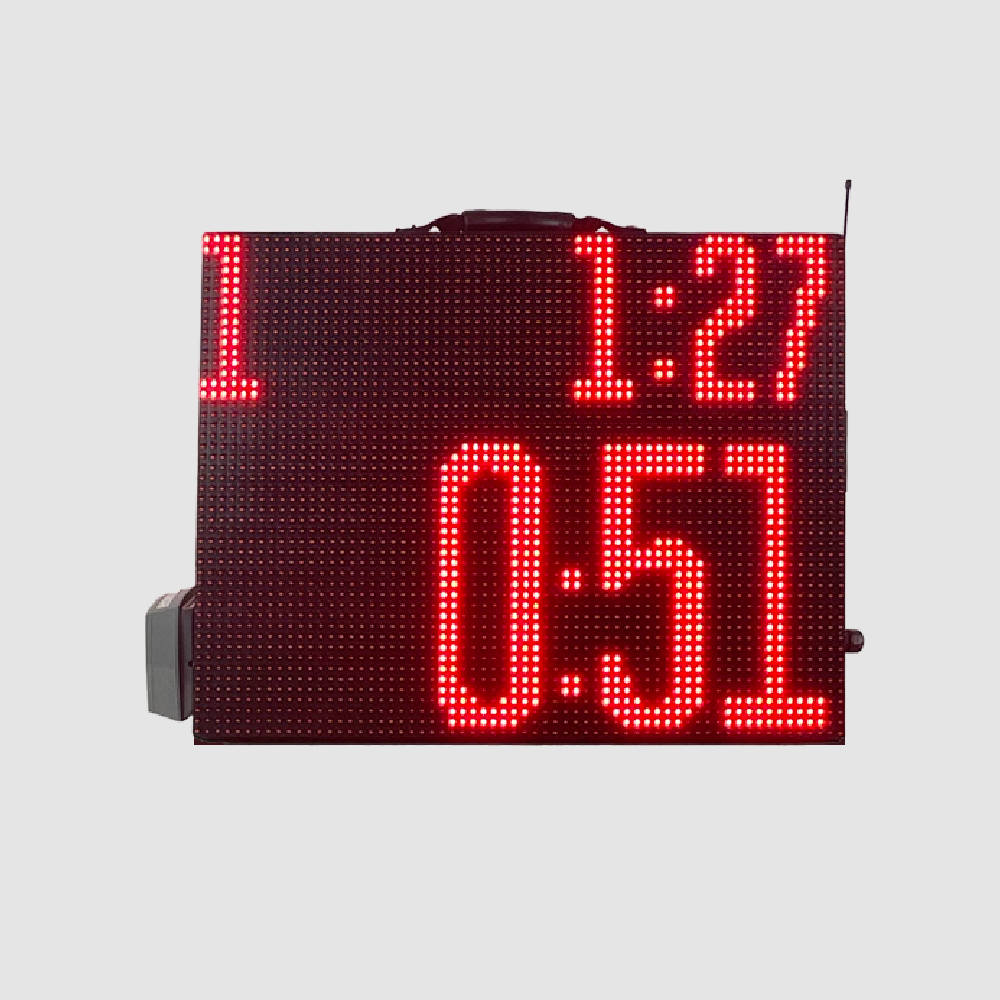
Portable Segment Timer
Program your whole practice once, then run it hands-free. A portable, double-sided red LED timer with app and remote control and warning and final horns.
$1,299.00
Details
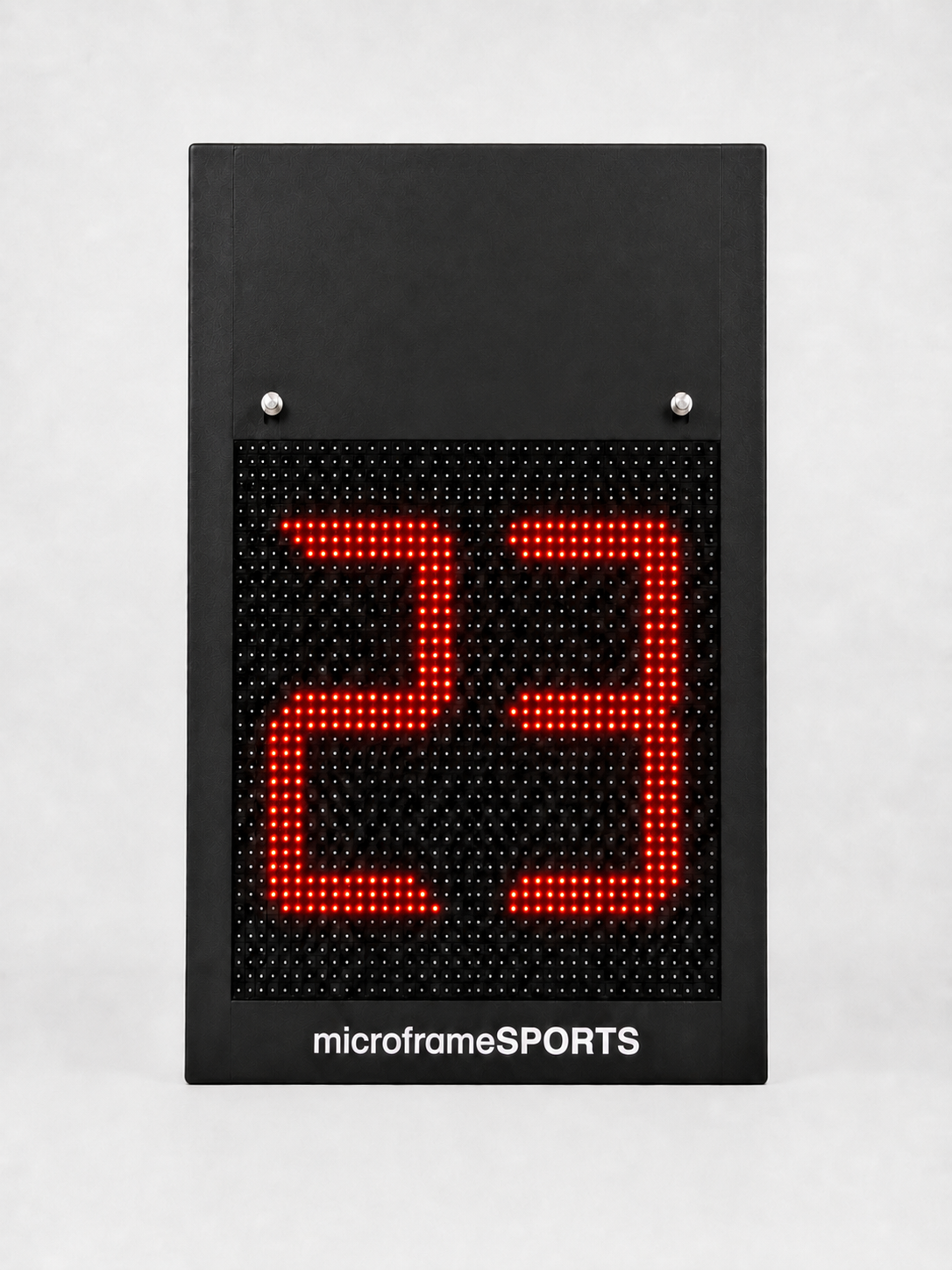
A 12-inch red LED shot clock run from the Microframe scoring app, so one operator handles the game clock and the shot clock together.
One scoring app, one operator, and every clock in the gym in step.
The Microframe scoring app controls the shot clock next to the game clock, so one person runs both.
In basketball mode the shot clock starts with the game clock and resets to the default time you set.
Below 10 seconds the display switches to tenths, so everyone gets a clear read on the last shot.
The horn is built in, so everyone hears the shot clock expire as well as seeing it.
Bright red digits read clearly from the bench, the court and the stands.
Each clock links over CAT-6 to a ceiling-mounted wireless access point, with a router at the scorer's table.
The MSXT12 is the shot clock for gyms that already score with Microframe. It shows 12-inch red LED digits, has a built-in horn, and takes its time straight from the Microframe scoring app at the scorer's table. There is no separate shot clock console to buy and no second operator to find.
In basketball mode the app starts the shot clock when the game clock starts and resets it to your default, such as 30 or 35 seconds. You set that once in Settings. Under 10 seconds the clock switches to tenths, so the last possession reads clearly from the bench and the stands.
Each clock hangs on two strut-channel rails on its back and plugs into a standard outlet. A CAT-6 cable runs from the clock to a wireless access point mounted high in the ceiling, and a router at the scorer's table ties the system together. Call us and we will help you plan the layout for your gym.
The MSXT12 is designed and built by Microframe in Broken Arrow, Oklahoma. It is the shot clock-only model that needs the scoring controller. If you want game time on the clock as well, see the MSXT12GT. If you would rather run it from a handheld key fob, see the MSXT12-RF.
| Model | MSXT12 |
|---|---|
| Digit height | 12 in |
| Display | Red LED |
| Horn | Built-in |
| Control | Microframe scoring controller app (MSXC); required |
| Shot clock readout | Whole seconds; tenths under 10 seconds |
| Network connection | CAT-6 to a ceiling-mounted wireless access point |
| Mounting | Two strut-channel rails on the back |
| Power | Plugs into a standard AC outlet |
| Shipping | FedEx, calculated at checkout |
Most shot clock problems come down to one thing: a second person working a second console. The MSXT12 removes that problem. It takes its time from the Microframe scoring app that already runs your scoreboard, so the shot clock stays in step with the game clock.
When the game clock starts, the shot clock starts. When possession changes, one tap resets it to your default. Under 10 seconds it counts in tenths, and the built-in horn sounds when it expires.
This is the same layout shown in our wireless basketball shot clock installation guide.
Hang a clock above each backboard on the two strut-channel rails on its back, and plug it into a standard outlet.
Run CAT-6 from each clock to a wireless access point mounted high in the ceiling. A router at the scorer's table ties the system together.
Open the Microframe scoring app, choose basketball, set your default shot clock time in Settings, and play.
The shot clock is part of the same basketball screen that runs your scoreboard.
The shot clock starts automatically when the game clock starts.
Set the reset time once in Settings, such as 30 or 35 seconds, to match your rules.
Adjust the clock settings to match the timing rules of your league.
The Sync button re-syncs the controller with the boards if a display is not updating.
Turn on the walkthrough and pop-ups explain each control. It is a good way to train a first-time operator.
The MSXT12 needs the Microframe scoring controller (MSXC), the app that runs your Microframe scoreboard. If you do not have one yet, call us and we will put the full package together.
No. This is the controller-required model. If you want a shot clock you run from a handheld remote, look at the MSXT12-RF, which uses a wireless key fob.
In our installation layout, each clock connects over CAT-6 to a wireless access point mounted high in the ceiling, and a router sits at the scorer's table. Call us and we will plan the network for your gym.
Two strut-channel rails on the back of the clock take the mounting hardware. The clock plugs into a standard AC outlet.
Most basketball courts put one clock above each backboard. Call us at 1-800-635-3811 to confirm quantities before you order.
Lead times vary with the build schedule. Call us at 1-800-635-3811 for a current ship date.
Program your whole practice once, then run it hands-free. A portable, double-sided red LED timer with app and remote control and warning and final horns.
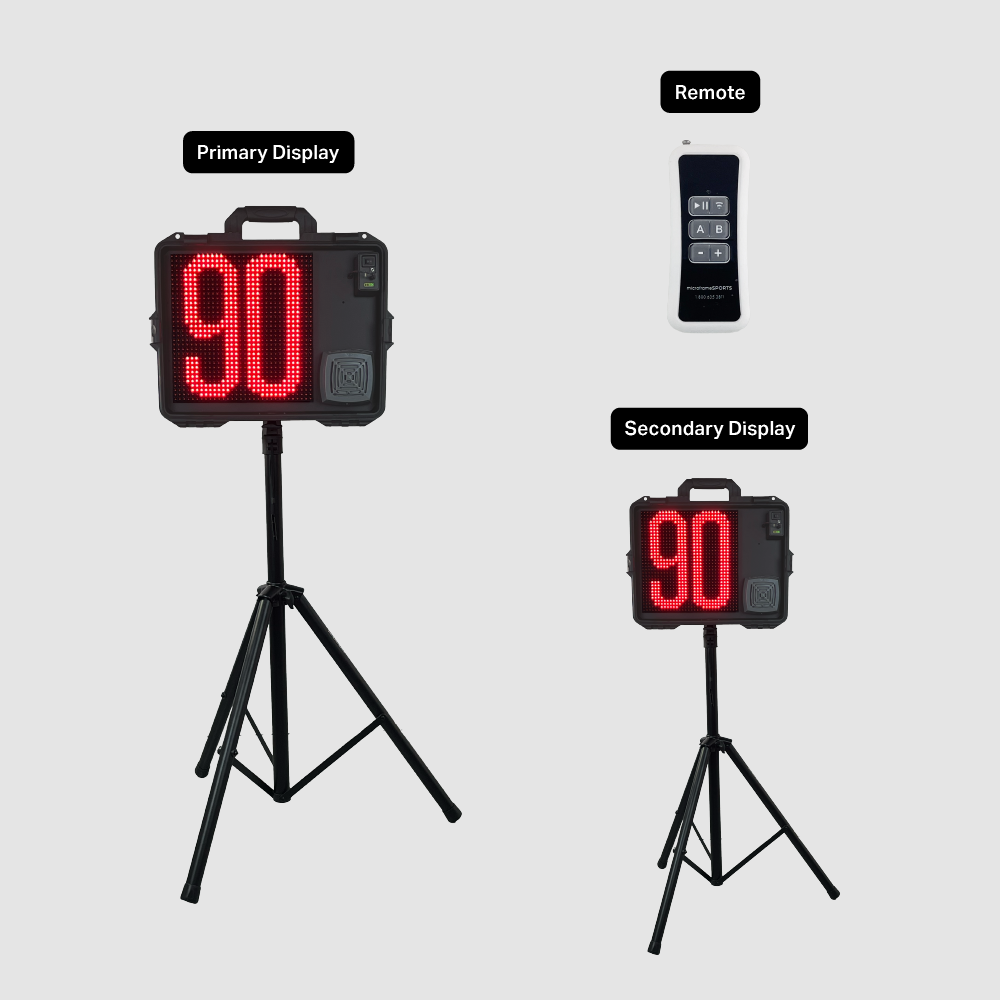
Two portable 12-inch LED shot clocks on tripods, with a wireless remote, a wired button box, a rechargeable battery and a built-in horn.
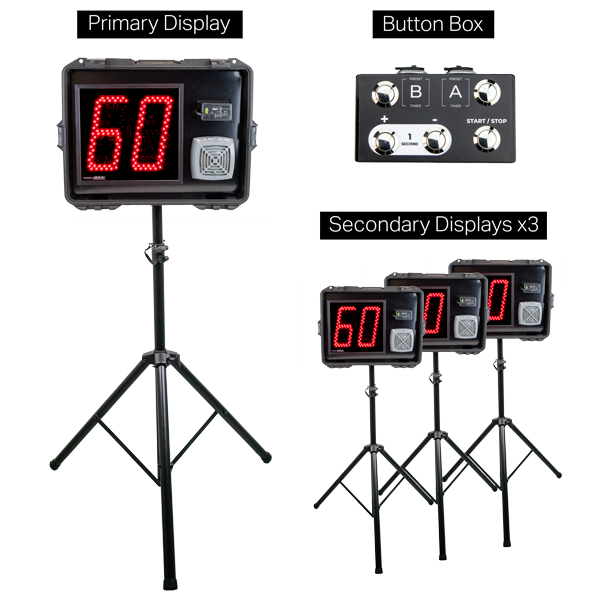
Four portable 12-inch LED shot clocks, one primary and three secondary, all run from one wireless remote. Includes tripods, button box and cables.
Tell us about your court and your scoreboard. We will confirm the network and mounting with you before you order.